

Slow downloads from TeraBox are one of the most common complaints about the free plan. You have a 2GB video, a download link, and no desire to wait two hours for a file that your internet connection could normally pull in under ten minutes.
This guide explains exactly why TeraBox downloads are slow, how to download videos from TeraBox without logging in, and how to get full-speed transfers on both the app and PC web versions.
Table of Contents
Why TeraBox Downloads Are Slow on the Free Plan
TeraBox's free plan caps download speed at approximately 2MB per second roughly 16 Mbps. If you have a 100 Mbps internet connection, TeraBox is using about 16% of your available bandwidth and throttling the rest. This is a deliberate restriction designed to encourage upgrades to the paid plan.
On large files this makes a meaningful difference. A 10GB file at 2MB/s takes approximately 83 minutes. The same file at full connection speed on a 100 Mbps line takes under 14 minutes.
The fix is either the TeraBox Mod APK which removes the speed cap entirely or the Premium or Pro subscription, which does the same through the official app.
How to Download Files from TeraBox Without Logging In
You do not need a TeraBox account to download a file that someone has shared with you. When someone shares a TeraBox file via link, the download is publicly accessible through that link alone.
Open your browser on any device. Paste the shared TeraBox link into the address bar. The TeraBox web player opens and shows the file. Tap the download button and the file saves directly to your device.
This works for individual files and for folders shared with public access. It works on Android, iOS, Windows, and Mac without installing any app or creating any account.
How to Download TeraBox Videos Faster Step by Step
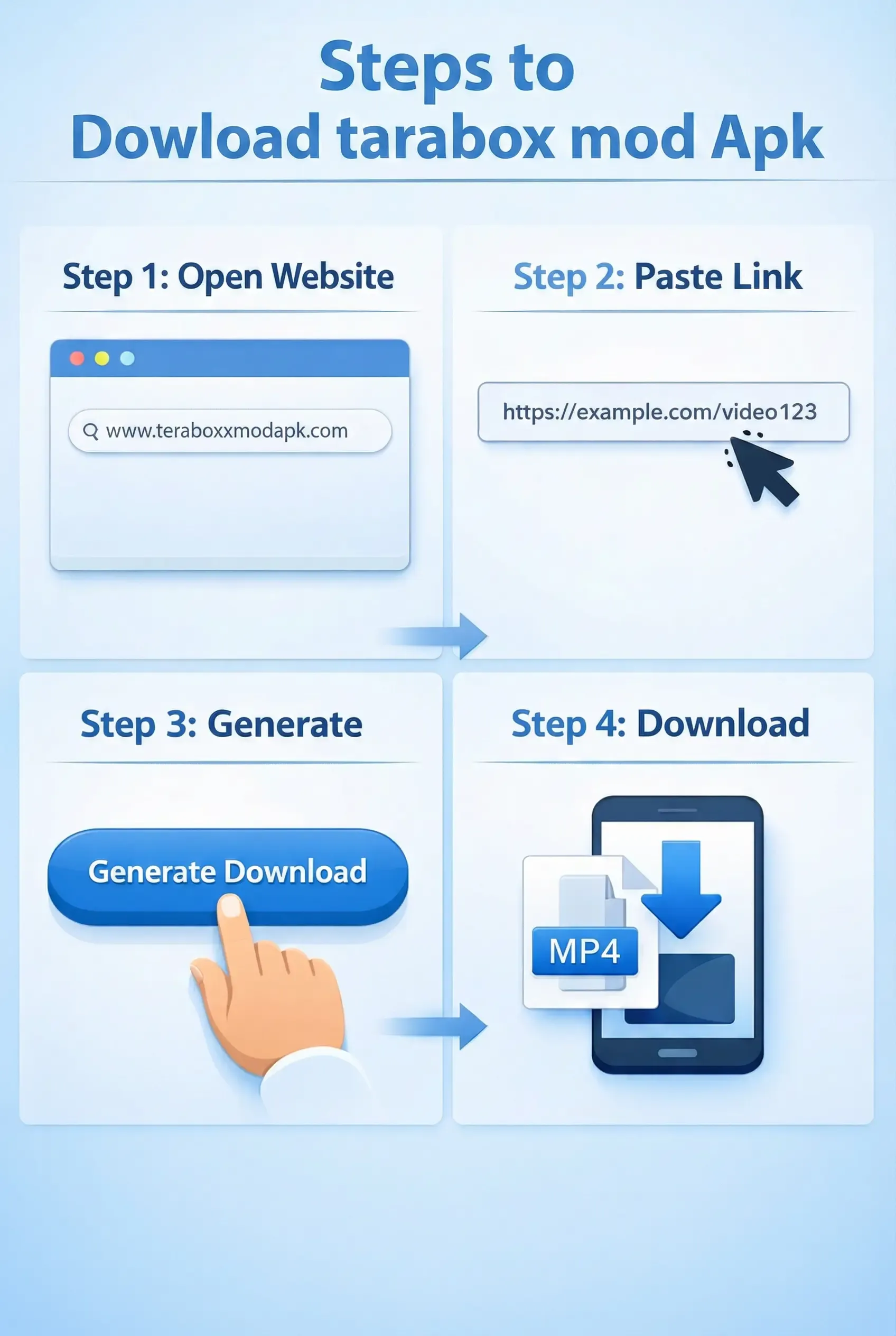
Method 1: Use the TeraBox Mod APK
The mod version removes the 2MB/s download cap and transfers files at your full available internet connection speed. Install the mod APK from our site, log in with your account, and download files the same way you always have. Speed difference on a typical 50 Mbps connection is approximately 4x faster than the free plan for large files.
Method 2: Use Parallel Downloads
The TeraBox free plan allows 2 to 5 simultaneous downloads. The premium version allows unlimited parallel downloads. If you have multiple files to download, start them all simultaneously rather than one at a time. Even on the free plan, five files downloading at 2MB/s each gives you effectively 10MB/s combined throughput.
Method 3: Download During Off-Peak Hours
TeraBox server load affects download speed during peak usage periods. Early morning hours between 2am and 7am local time typically give faster speeds for large files because fewer users are active.
Method 4: Use a Wired Connection on PC
If you are using TeraBox on PC, connect via Ethernet rather than WiFi. WiFi introduces latency and packet loss that reduces effective download speed even when the TeraBox speed cap is removed. A wired connection to a modern router gives consistent throughput.
Method 5: Use the TeraBox Web Version for Quick Downloads
For single files shared via link, the TeraBox web version at terabox.com processes the download directly through your browser without the app overhead. On some devices this can be marginally faster than the app for small to medium files.
How to Download TeraBox Files on PC Without the App
Open any web browser on your PC. Paste the shared TeraBox link and press Enter. The file preview loads in your browser. Click the download button in the player or file viewer and the file saves to your Downloads folder. No app installation, no account, no login.
For your own files, log in to the TeraBox web version at terabox.com, navigate to the file, right-click or tap the three-dot menu, and select Download.
How to Download Multiple Files at Once
Select multiple files in the TeraBox app or web version by holding and tapping each file. Once multiple files are selected, tap the Download button. TeraBox downloads all selected files simultaneously within the parallel download limit for your plan.
For entire folders, tap the folder, tap the three-dot menu, and select Download Folder. TeraBox compresses the folder to a ZIP file on their server and sends you the compressed version for download.
Why Your TeraBox Download Keeps Stopping
Download interruptions are usually caused by one of three things. Your internet connection dropped briefly during the download this is the most common cause and usually resolves by restarting the download. The TeraBox app ran out of temporary storage on your device clear some local storage and try again. The server session timed out during a very long download for files over 5GB, keep your screen active during the download to prevent the session from expiring.