
Most people are using whatever cloud storage came preinstalled on their phone. For Android users that means Google Drive. For iPhone users that means iCloud. Both of those free tiers run out within months for anyone who takes photos regularly or stores documents for work.
This guide compares every major provider to find the best free cloud storage 2026 offers, with accurate storage figures, honest limitations, and a clear recommendation for each type of user.
Table of Contents
Quick Comparison Free Cloud Storage in 2026
| Service | Free Storage | Best For | Limitation |
|---|---|---|---|
| TeraBox | 1TB | Media storage, backup | No zero-knowledge encryption |
| Google Drive | 15GB | Document collaboration | Shared with Gmail and Photos |
| Microsoft OneDrive | 5GB | Windows users | Very small free tier |
| Dropbox | 2GB | Team file sharing | Impractical free tier |
| MEGA | 20GB | Privacy-focused users | Slow speeds on free plan |
| pCloud | 10GB | One-time buyers | Limited free storage |
| iCloud | 5GB | Apple ecosystem users | Apple-only sync |
| Box | 10GB | Business document sharing | 250MB file upload limit |
TeraBox 1TB Free (Best Raw Storage)
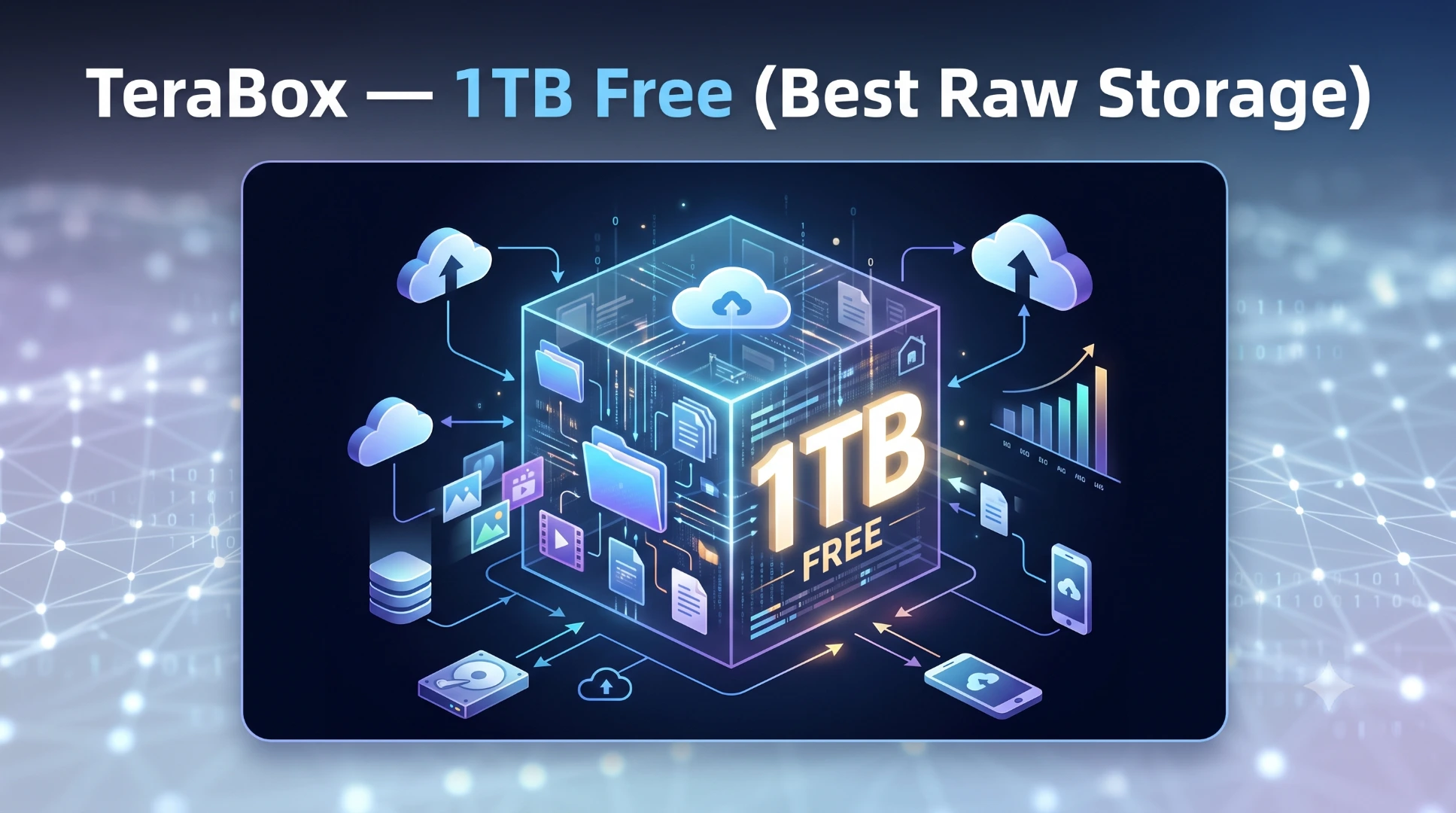
TeraBox gives you 1TB of free cloud storage immediately on account creation. That is 200 times more than iCloud, 66 times more than Google Drive, and 500 times more than Dropbox. Nothing else on this list comes close to this number.
What you get: 1TB storage, automatic photo and video backup, AI-powered file search, personal vault, end-to-end encryption with SSL and RSA, cross-platform sync across Android, iOS, Windows, Mac, and web, and download without login for shared links.
The honest limitation: TeraBox uses server-side encryption, not zero-knowledge encryption. Flextech Inc. holds the encryption keys, the same model used by Google Drive and Dropbox. This is fine for everyday files. For highly sensitive documents, a zero-knowledge service is the better choice.
Google Drive 15GB Free (Best for Collaboration)
Google Drive gives 15GB shared across Google Drive, Gmail, and Google Photos. Once your storage fills, Gmail stops receiving new emails, which motivates most users to pay for more rather than carefully manage their storage.
The genuine advantage is integration. Google Docs, Sheets, and Slides live natively inside Drive. Real-time collaborative editing works across devices without downloading anything. If you work with documents collaboratively, Google Drive's ecosystem is unmatched.
For photo and video storage specifically, 15GB fills in weeks for an active phone user. Not a practical solution for media backup.
Microsoft OneDrive 5GB Free (Best for Windows)
OneDrive is built into Windows 10 and 11 and syncs the Desktop, Documents, and Pictures folders automatically with no setup. If you use Microsoft Office and primarily work on a Windows PC, OneDrive is the most frictionless option.
5GB free storage is too small for anything beyond a few documents. Microsoft 365 subscriptions include 1TB of OneDrive storage and are worth considering if you already pay for Office.
Dropbox 2GB Free (Best Sync Reliability)
Dropbox has the most reliable sync technology of any service on this list. Files saved to the Dropbox folder on one device appear on every other device within seconds. Third-party integrations with Slack, Zoom, Notion, and Figma are excellent for team workflows.
2GB free is genuinely impractical for anything beyond testing. Most users who want Dropbox pay for it the Plus plan at $11.99 per month gives 2TB.
MEGA 20GB Free (Best Privacy)

MEGA is the only service on this list that offers client-side zero-knowledge encryption on the free plan. Flextech, Google, Microsoft, and Dropbox all manage their encryption keys server-side. MEGA's system encrypts files on your device before upload, meaning MEGA employees cannot access your stored content.
20GB free is modest but meaningful for users specifically prioritising privacy over storage volume. Download speeds on the free plan are throttled. The premium plans are competitively priced for the security level they provide.
pCloud 10GB Free (Best for Lifetime Plans)

pCloud offers 10GB free and is the only service on this list with a lifetime payment option pay once and own 500GB or 2TB of storage permanently with no subscription. Based in Switzerland with strong local privacy laws.
For users who dislike ongoing subscriptions, pCloud's lifetime plan is worth evaluating. The free tier is not competitive in storage volume.
iCloud 5GB Free (Best for Apple Users)
iCloud sync is deeply integrated into iOS and macOS contacts, calendar, health data, keychain passwords, device backups, and photos all sync through it automatically. For users entirely within the Apple ecosystem, iCloud is the most convenient option.
5GB free storage disappears quickly when iCloud Photos is enabled. Upgrading to 50GB costs $0.99 per month, 200GB costs $2.99 per month. TeraBox's 1TB free tier solves the same media storage problem without a monthly fee.
Which Free Cloud Storage Should You Use in 2026?
- If you need maximum free storage for photos, videos, and documents: TeraBox at 1TB is not close to being matched by any other free option.
- If you collaborate on documents with others: Google Drive's real-time editing and Workspace integration make it the right choice for that specific use case.
- If you need absolute privacy for sensitive files: MEGA with zero-knowledge encryption is the appropriate choice regardless of the smaller storage volume.
- If you use Windows and Microsoft Office daily: OneDrive integration into the Windows ecosystem makes it the most convenient secondary option.
For most users the practical answer is to use TeraBox for media and large files, and Google Drive or OneDrive for work documents two free accounts solving two different problems simultaneously.